
Backups & storage
WordPress and Cloudflare R2: plan a recoverable media offload
Move WordPress media to R2 with clear storage costs, delivery URLs, privacy boundaries, and a rollback plan.
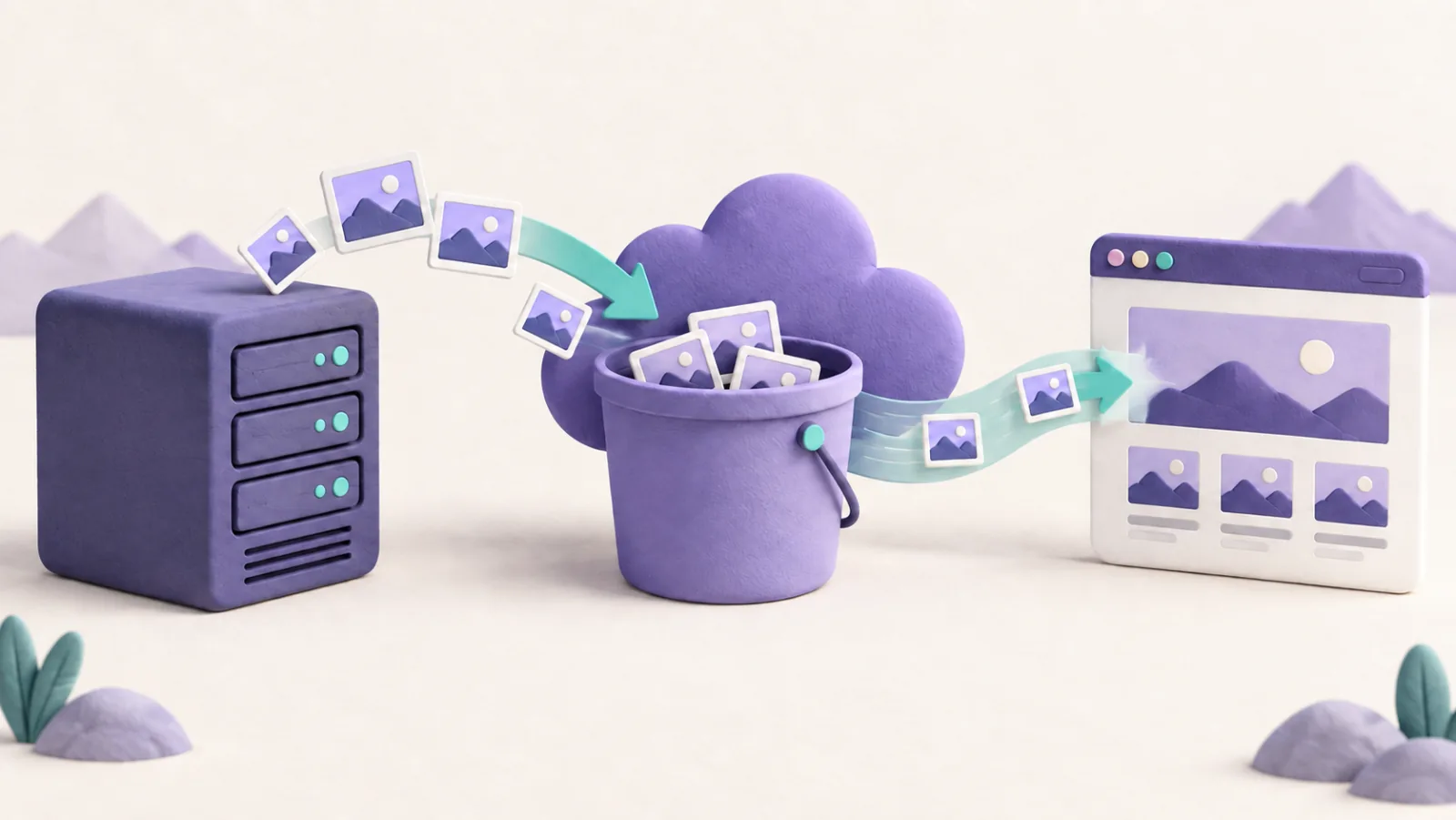
Cloudflare R2 can store WordPress media outside your web-hosting account. An offload integration uploads objects and makes the site serve them through a media address. WordPress still needs a host for PHP, the database, administration, and any files you keep locally.
This is useful when the media library is driving storage growth. It will not fix a slow database or an expensive plugin query. Compare the complete offload workflow with a hosting upgrade before moving thousands of images.
- Upload in WordPress An integration handles originals and generated image sizes.
- Store in R2 A bucket holds objects outside the web server.
- Serve the media A controlled media domain supplies public assets.
Check what the integration actually moves
The author-maintained Advanced Media Offloader listing documents Cloudflare R2 support, URL rewriting, and local-retention options. It is one candidate to investigate, not a guarantee of compatibility with your theme and plugins.
Check existing-library migration as well as new uploads. Ask how the integration handles thumbnails, WebP variants, image editing, replacement files, and deletion. A tool that copies only original images may leave part of the library on the web server.
Use a staging copy and a small representative set before a bulk migration. Include a product image, an old article, a gallery, a download, and responsive image sizes. Confirm both the displayed URL and the object it actually retrieves.
Use a production delivery address
Cloudflare’s public-bucket guide reserves the rate-limited r2.dev address for non-production use. Connect a custom domain through the supported R2 workflow for production delivery and caching. Do not create an improvised CNAME to a development URL.
A public media bucket makes its accessible objects available to visitors. Keep private documents, backup archives, and paid downloads in a separately designed access-controlled workflow. Hiding a link in WordPress does not protect an object’s public URL.
Restrict the integration’s credentials to the permissions and bucket it needs. Keep secrets out of theme files distributed publicly, browser code, and version control. Make sure a second authorized administrator can recover the configuration.
Calculate storage and request costs together
R2 pricing includes storage and operation categories. Direct R2 egress is free under the published pricing, but that does not make every surrounding service free. Other Cloudflare products, plugin licenses, migration work, and backup storage can add costs.
Use your current library size, expected growth, upload activity, and reads to estimate the bill. Compare equivalent storage classes and account for any retrieval or minimum-duration rules. A small brochure site may save little after adding a paid integration; a media-heavy publication has a different calculation.
Keep the URL and rollback plan explicit
Preserve old media paths or provide suitable redirects when URLs change. Check images embedded outside the current site, such as email campaigns or downloadable documents. Those links do not necessarily pass through a WordPress plugin’s runtime rewriting.
Keep local copies until you have verified the remote objects and rehearsed recovery. Before enabling local deletion, find out how to download everything back and restore the original URLs. Deactivating a plugin is not a complete rollback if the files no longer exist locally.
Treat media backup as a separate responsibility
Offloading a file changes where the live copy resides. It does not automatically create an independent historical backup. A deletion sync or compromised credential can affect remote files too.
Update the WordPress backup plan to cover the database, offload configuration, and recoverable media copies. The migration is complete when old and new uploads work, costs are understood, and another person can reverse the change without reconstructing your setup from memory.