

Backups & storage
WordPress and Cloudflare R2: plan a recoverable media offload
Move WordPress media to R2 with clear storage costs, delivery URLs, privacy boundaries, and a rollback plan.
Besthostlab guides
Understand the bill, plan the move, and keep your site running. Practical answers, grounded in official documentation.
Move WordPress media to R2 with clear storage costs, delivery URLs, privacy boundaries, and a rollback plan.

Match your archive to the right restore method, preserve the current state, and check the recovered site before reopening.
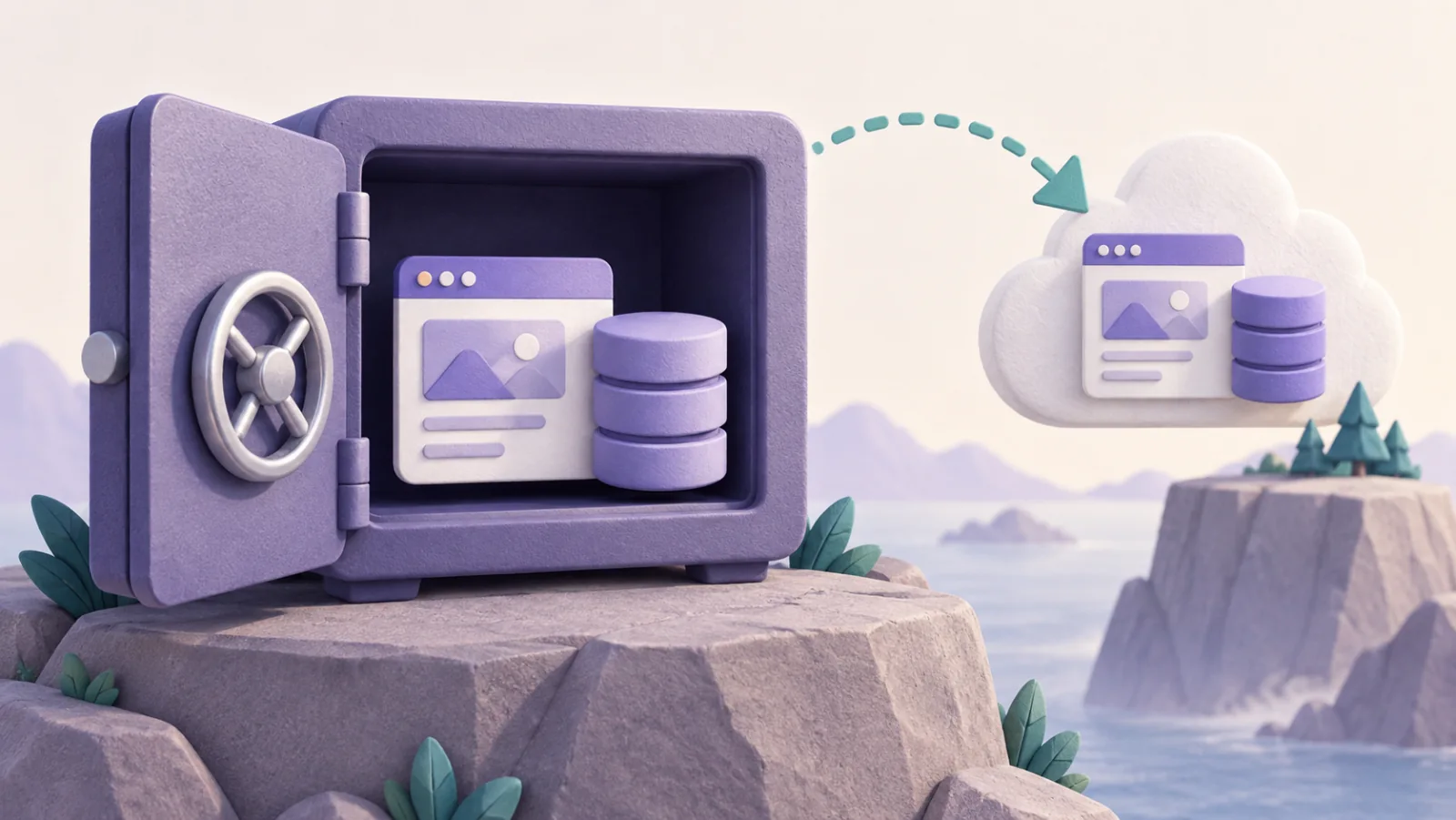
Build a WordPress backup plan that covers files, database, independent storage, and a restore path you can actually use.

Compare publishing workflows, website flexibility, paid-newsletter costs, and the work involved in moving an audience.
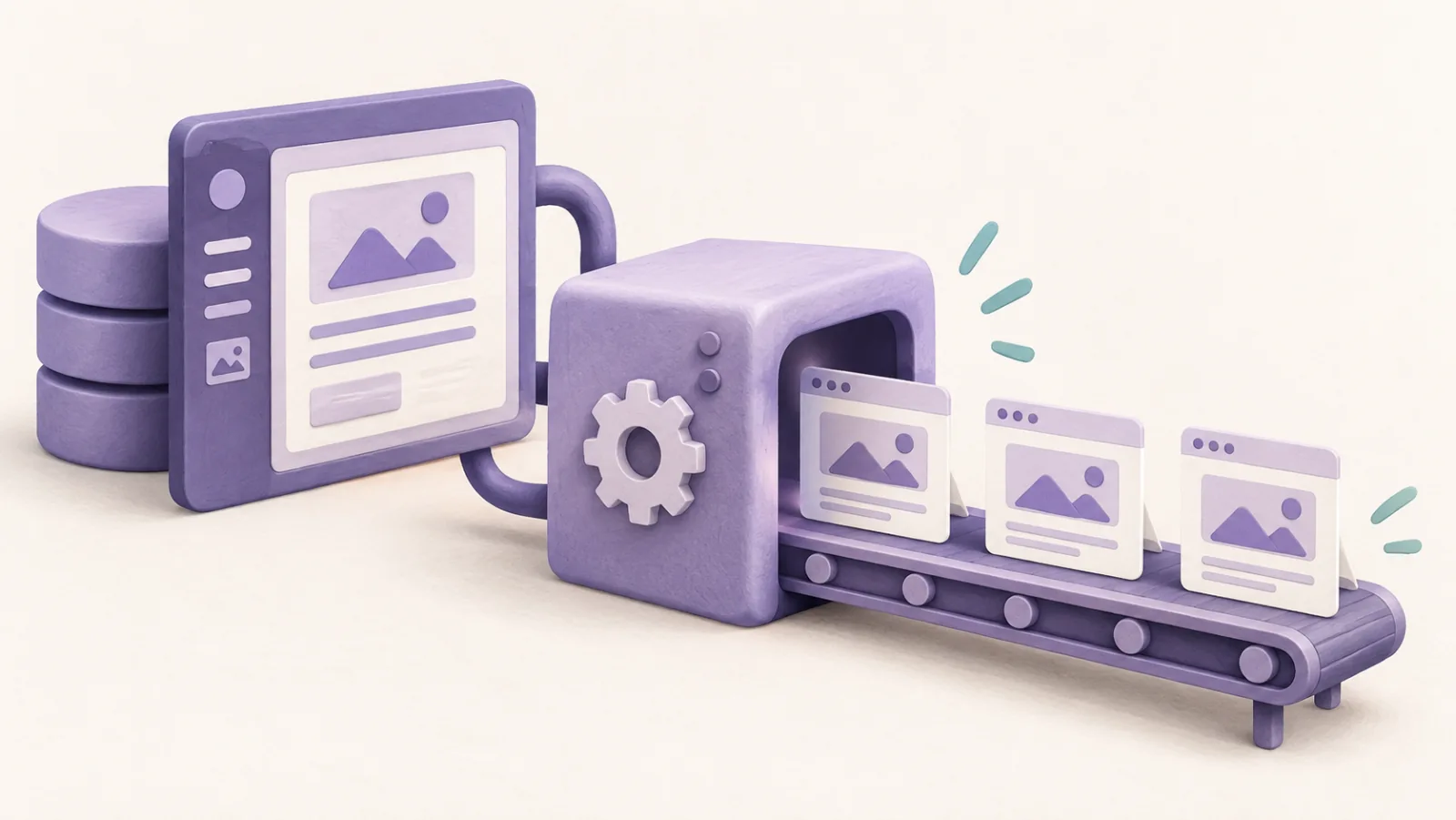
Separate WordPress editing from public static delivery, with a plan for forms, search, publishing, and recovery.

Understand the XML export limits, verify image copies, and plan the design, URL, and domain work before canceling Squarespace.

Plan a host change or URL migration with a baseline, relevant redirects, launch checks, and evidence for troubleshooting.

Move supported Wix content, rebuild the features that do not transfer, and preserve media, email, and important URLs.

Compare static publishing workflows, hosting options, and the extra services needed for forms, search, and other dynamic features.

Compare hosting, plugins, maintenance, support, and total cost using the current WordPress.com plan rules.

Compare exact domain renewal quotes, avoid introductory-price traps, and decide whether a registrar transfer is worth the work.

Diagnose an apparently stuck DNS change by checking the public delegation, authoritative answers, TTL, proxy status, and DNSSEC.
Showing 25–36 of 53 guides